Connect SP_CE and Outlook Calendar to manage space meetings in your calendar. Easily setup the connection the first time you invite to a meeting or download the add-in from Microsoft Office Marketplace (if you for some reason don’t want to connect your calendar directly to SP_CE).
Connect SP_CE and Outlook Calendar
- Create a meeting in space
- Add meeting details (title, date, time, meeting participants)
- Connect your calendar by flipping the the switch in the top right menu (you only need to do this once)
- Follow the steps to finalize the connection
- Click the “INVITE” button to preview the meeting invite
- In the preview you can modify the description of the invite (if needed)
- When pressing send a calendar invite will go out to all meeting participants and a calendar event will be created in everyone’s calendar
- Easily update the invitation in your calendar or in the space
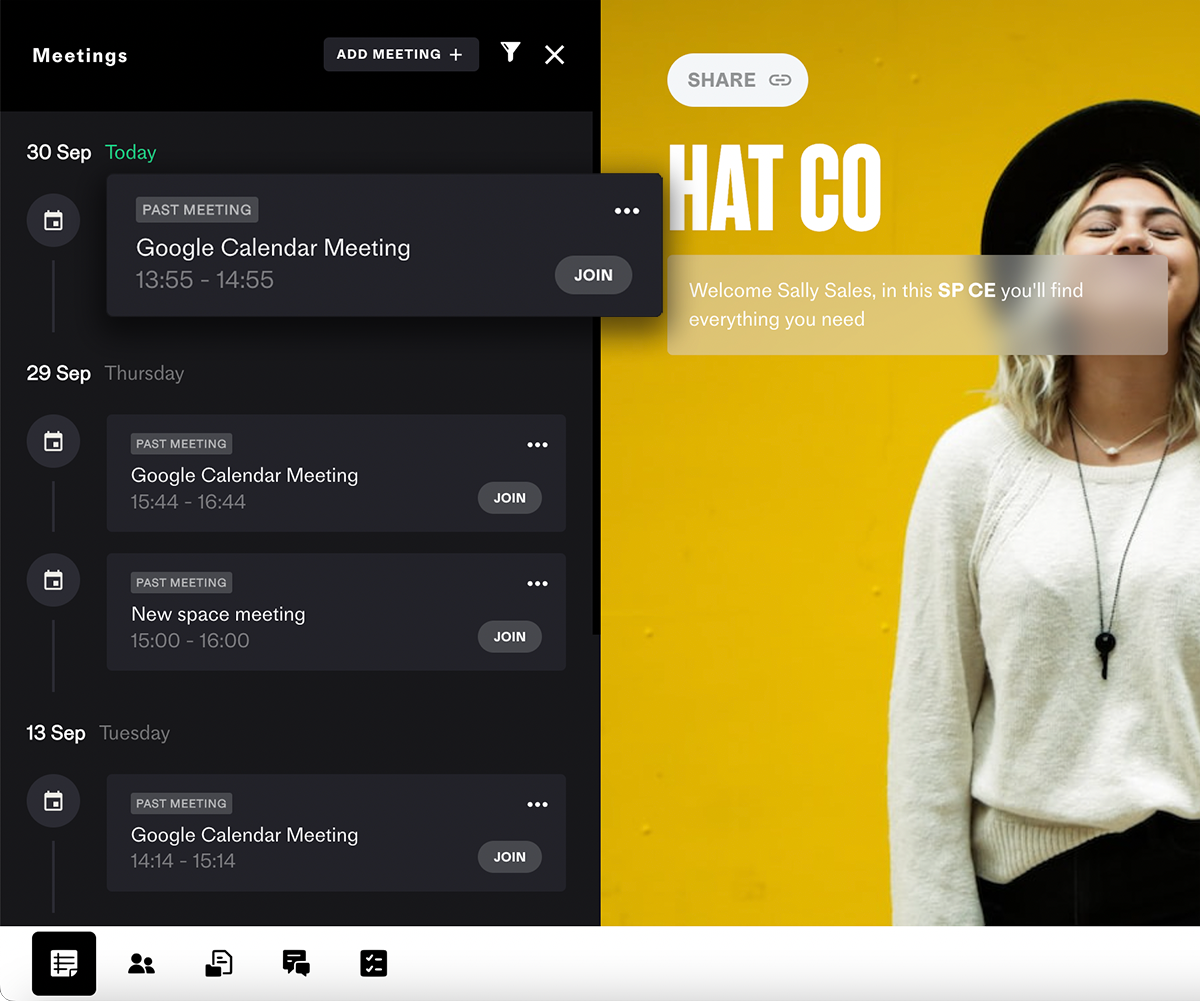
Find the space meeting in the timeline
Find the event you created in Outlook Calendar reflected as a meeting in the timeline in the space. In space you can start (or join) the meeting and customize the meeting agenda.